

$or, $gte, $eq).
Use cases
Filters can be configured on subscriptions in both incoming projects and outgoing project.
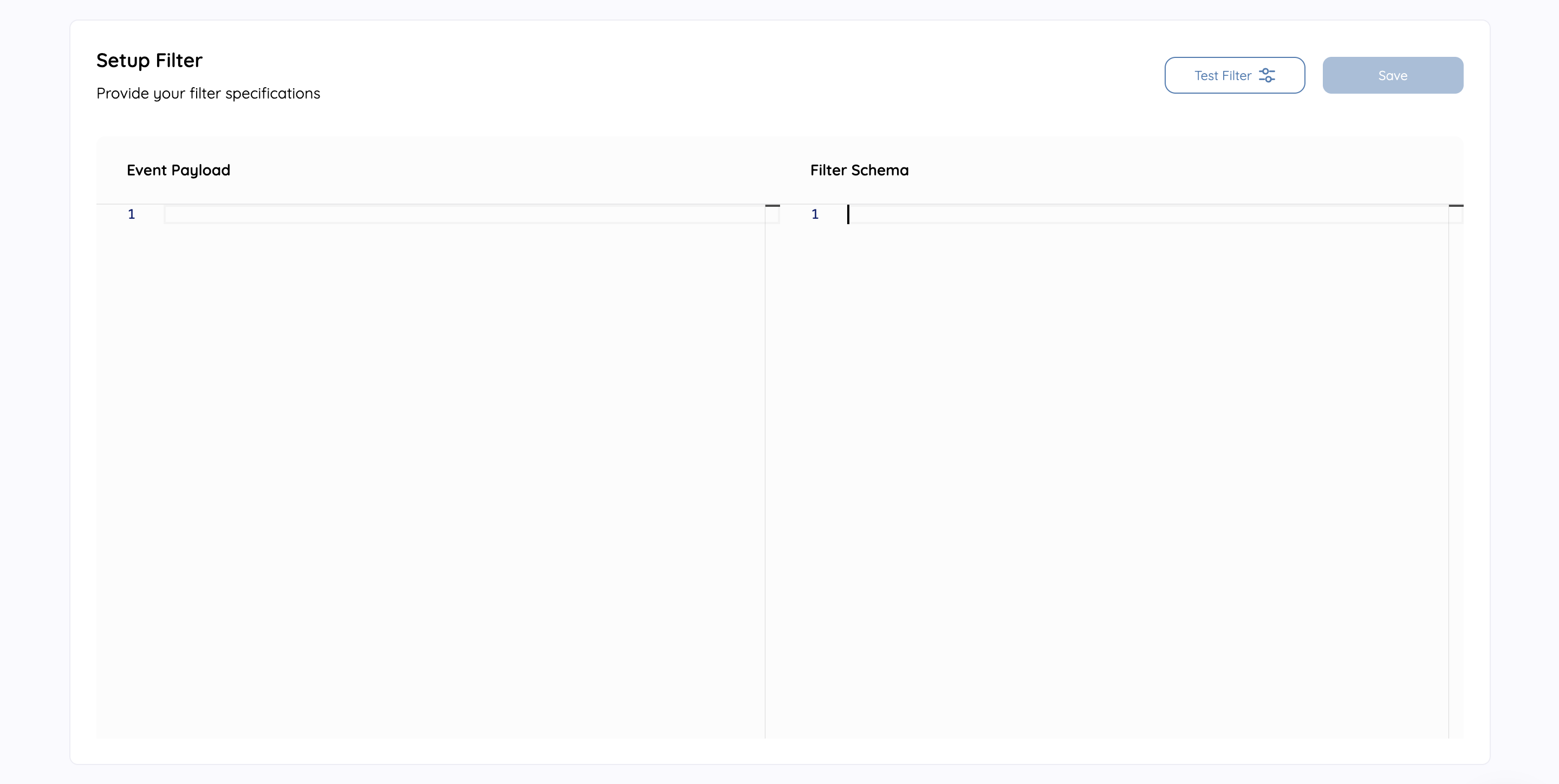
Filter scopes
A subscription filter can match against four scopes of the incoming request:body, headers, query, and path. Body and header matching have been supported for a while; query and path matching are the newer additions, so you can route on the query string and URL path of an inbound request, not just its payload and headers.
Each scope is a top-level key in the filter configuration, and the operators documented below apply within each scope independently:
Filter across scopes
headers and query expose each header name or query parameter as its own key, so you match them directly (for example region above). path exposes the full request URL path under a single path key, so you match against that whole path string (for example /v2/orders) rather than individual segments.
The examples in the rest of this page target the body scope, which is the most common, but the same syntax works inside any scope. Advanced filtering beyond simple event-type matching is a Premium capability.
Simple filters
Simple filters directly match keys to values, and they can be nested. They can also match items in an array.Direct object match
This filter is used to validate simple JSON webhook payloads.Simple object match filter
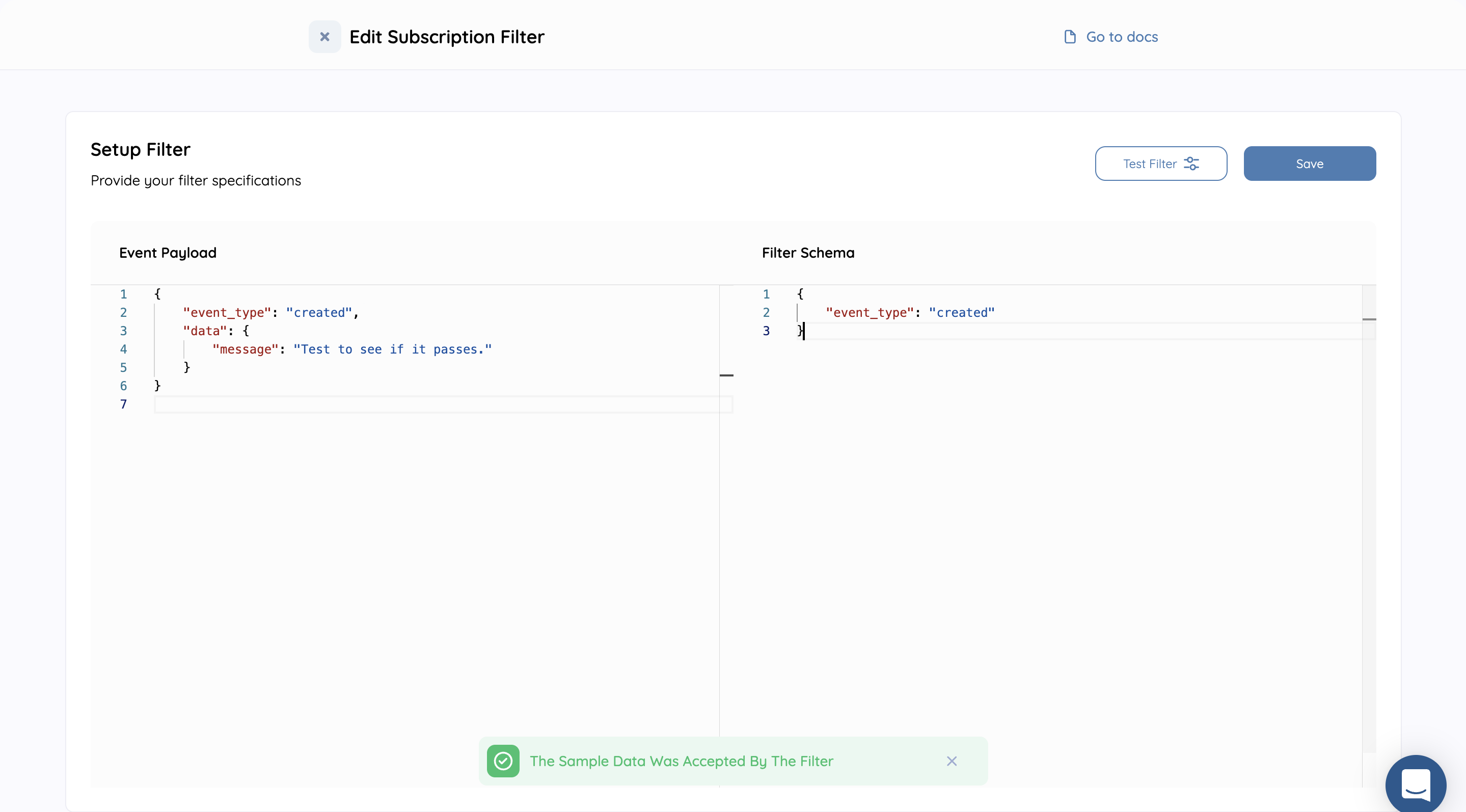
Nested object match
This filter is used to validate nested webhook payloads.Nesting object match filter
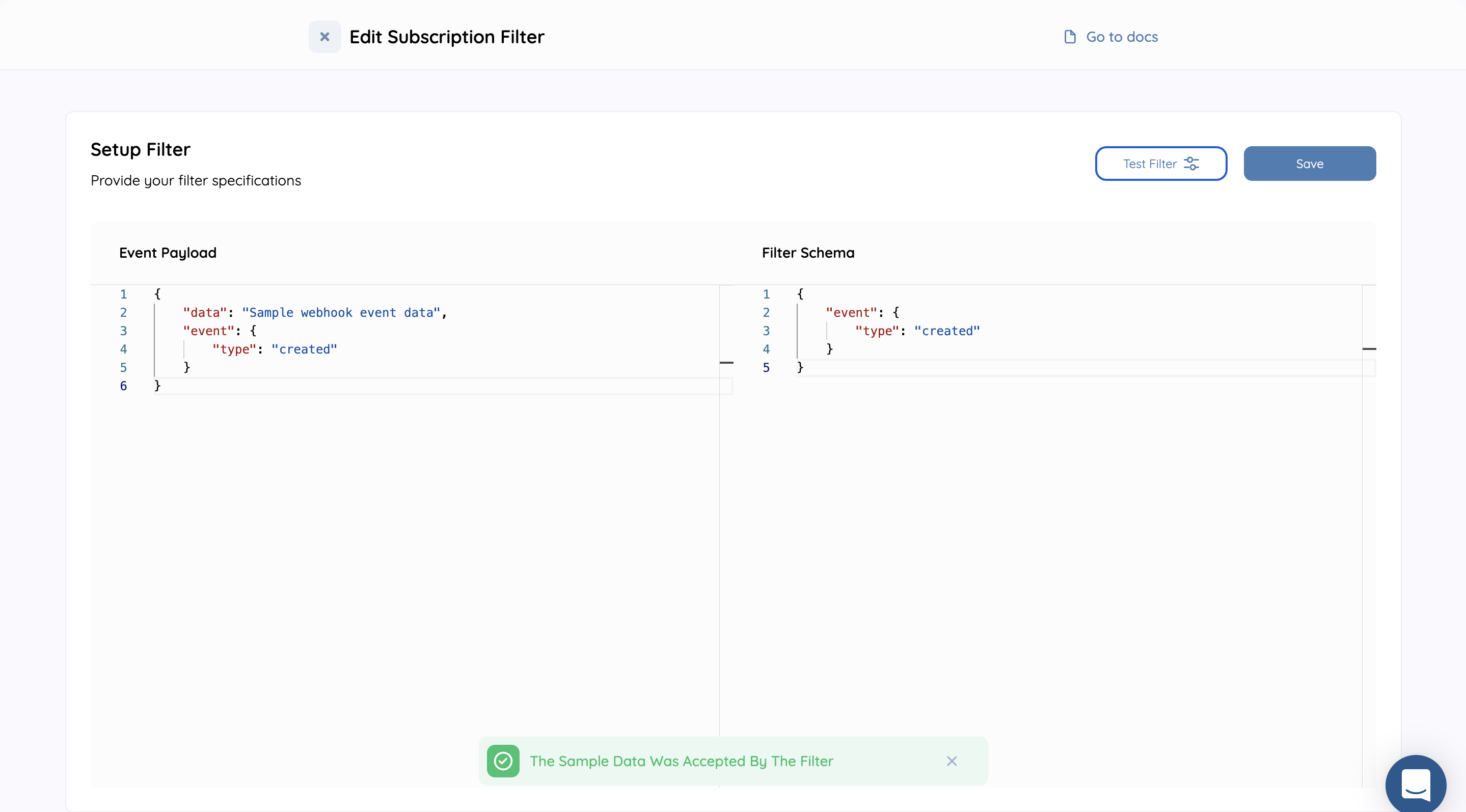
Array contains match
Array contains match
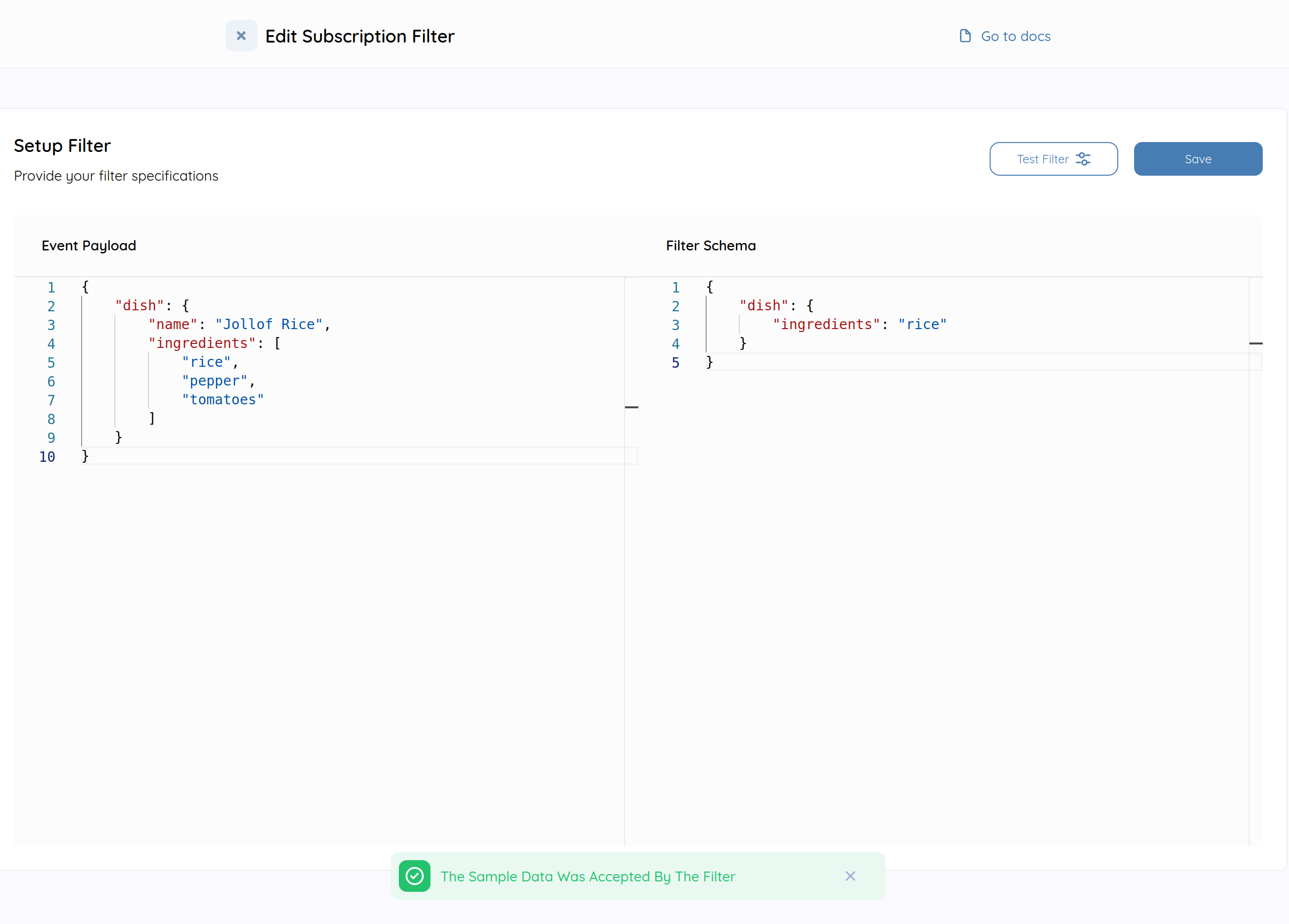
Complex filters
Complex filters contain more logic such as logical operators and special operators. Complex filters are employed to filter events using one or more conditions, e.g.,$or logical operator filter.
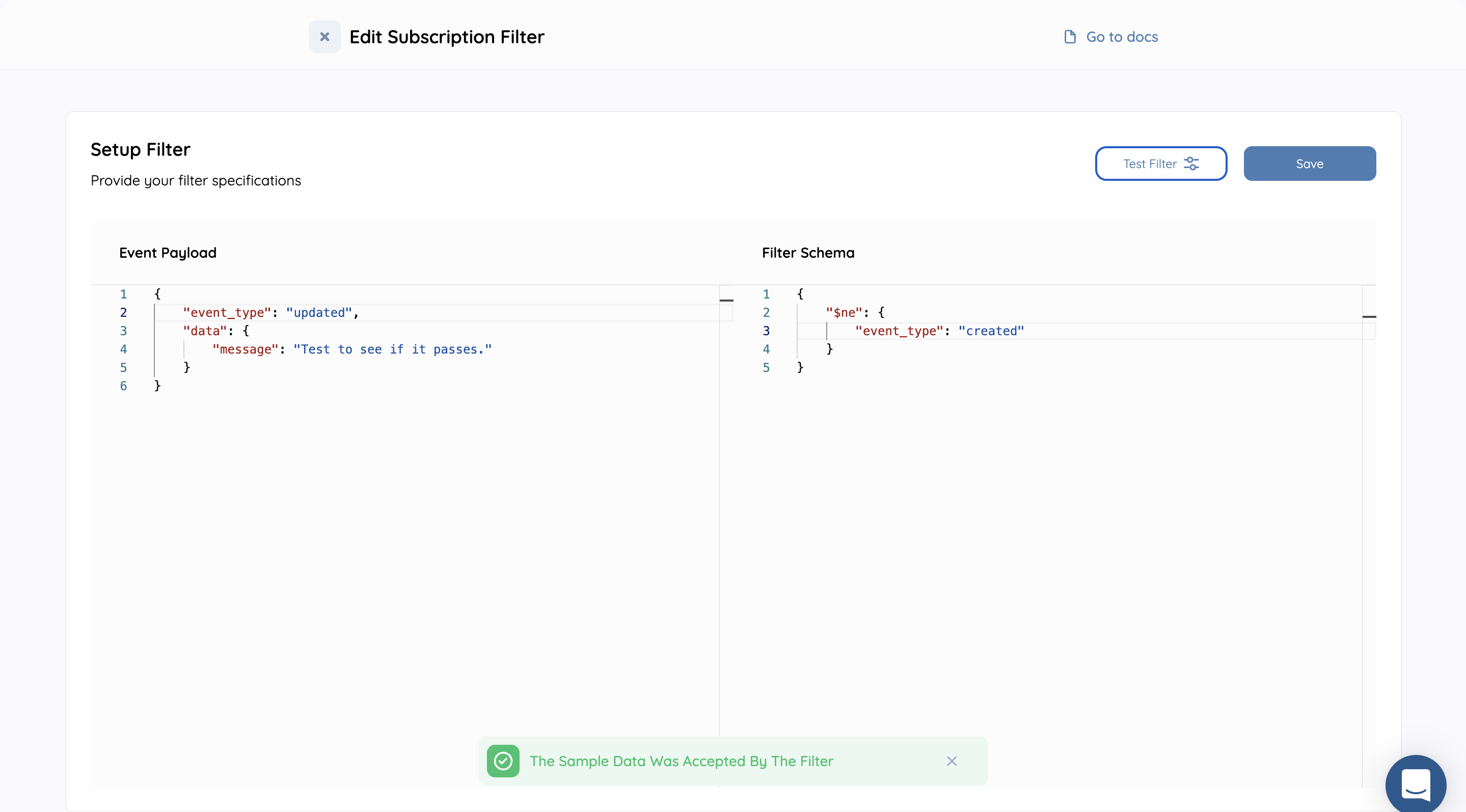
Equality filters
This filter matches event which directly does not match the event type in the webhook payload.$neq filter
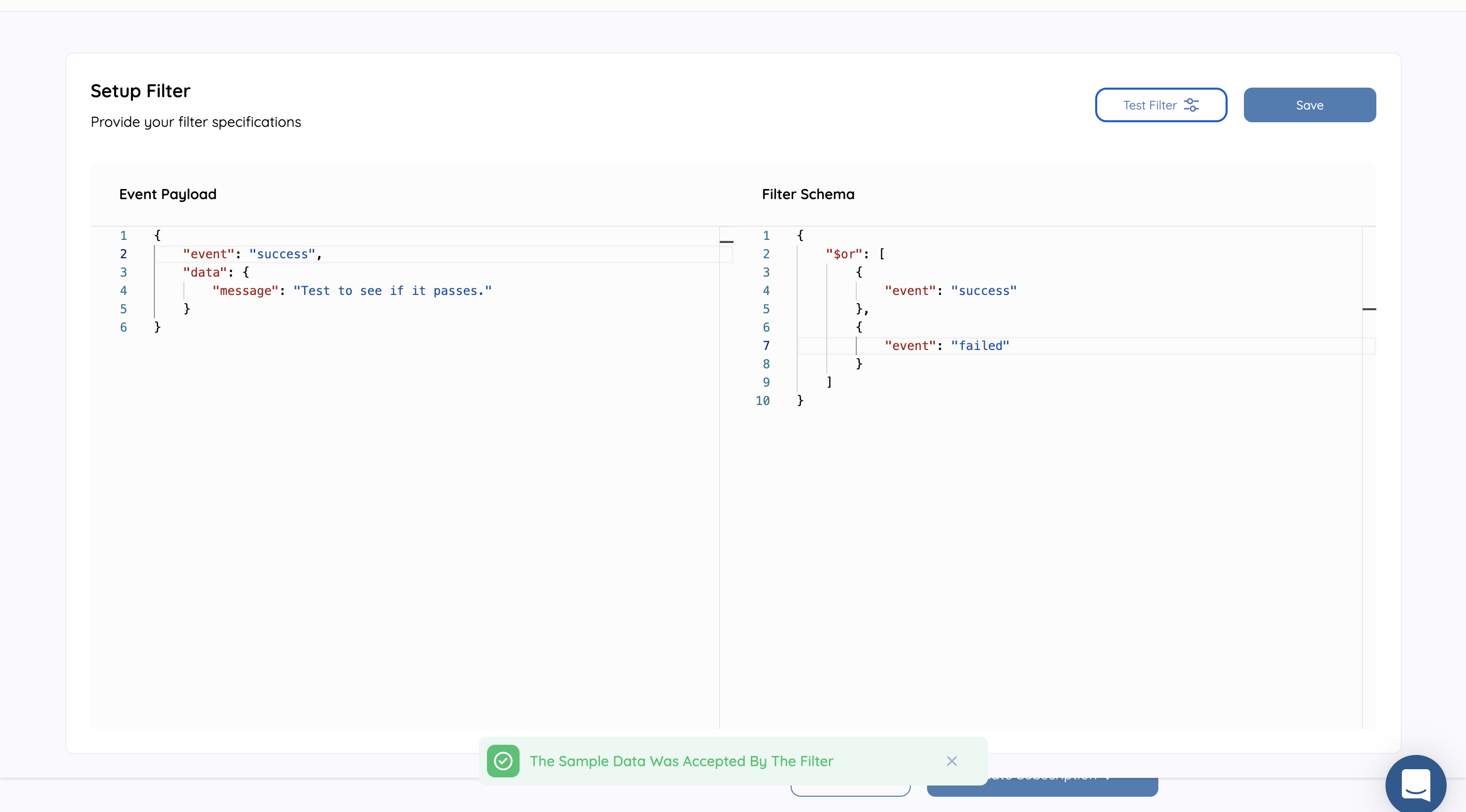
Compound filters
These filters are used to match multiple conditions defined in the schema.$or filter
$and filter
Array Contains filters
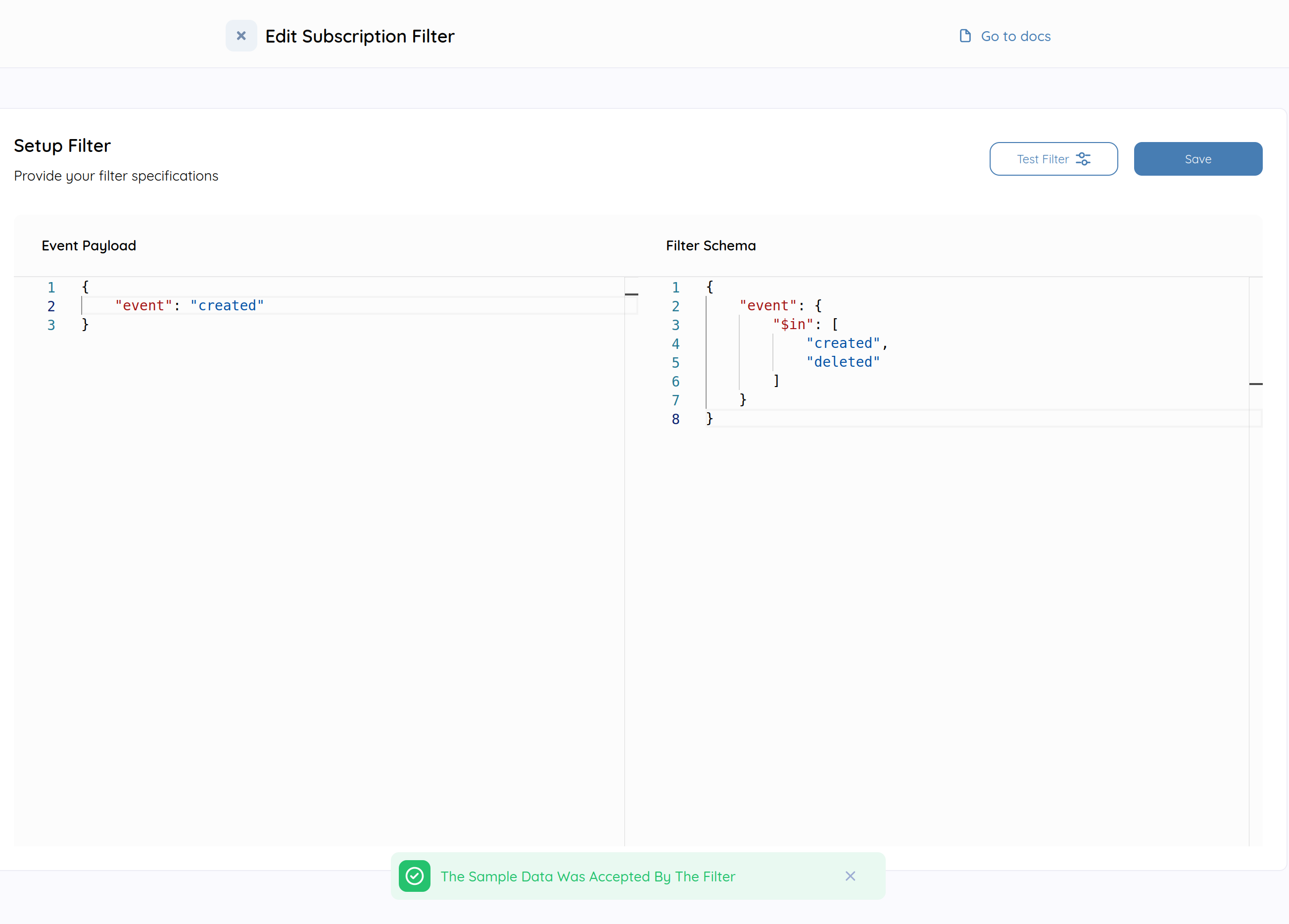
This filter is used to match keys where the value can be a range of values. It can be used in place of$or if you are comparing on the same field.
The opposite of this operator $nin can be used to match keys where the value is not in a range of values.
$in filter
$nin filter
Numeric filters
These filters match events based on numeric operators. For example, the filter below will match all events where the age is greater than 1. The operators supported are$gt,
$gte, $lt, $lte
Numeric filters
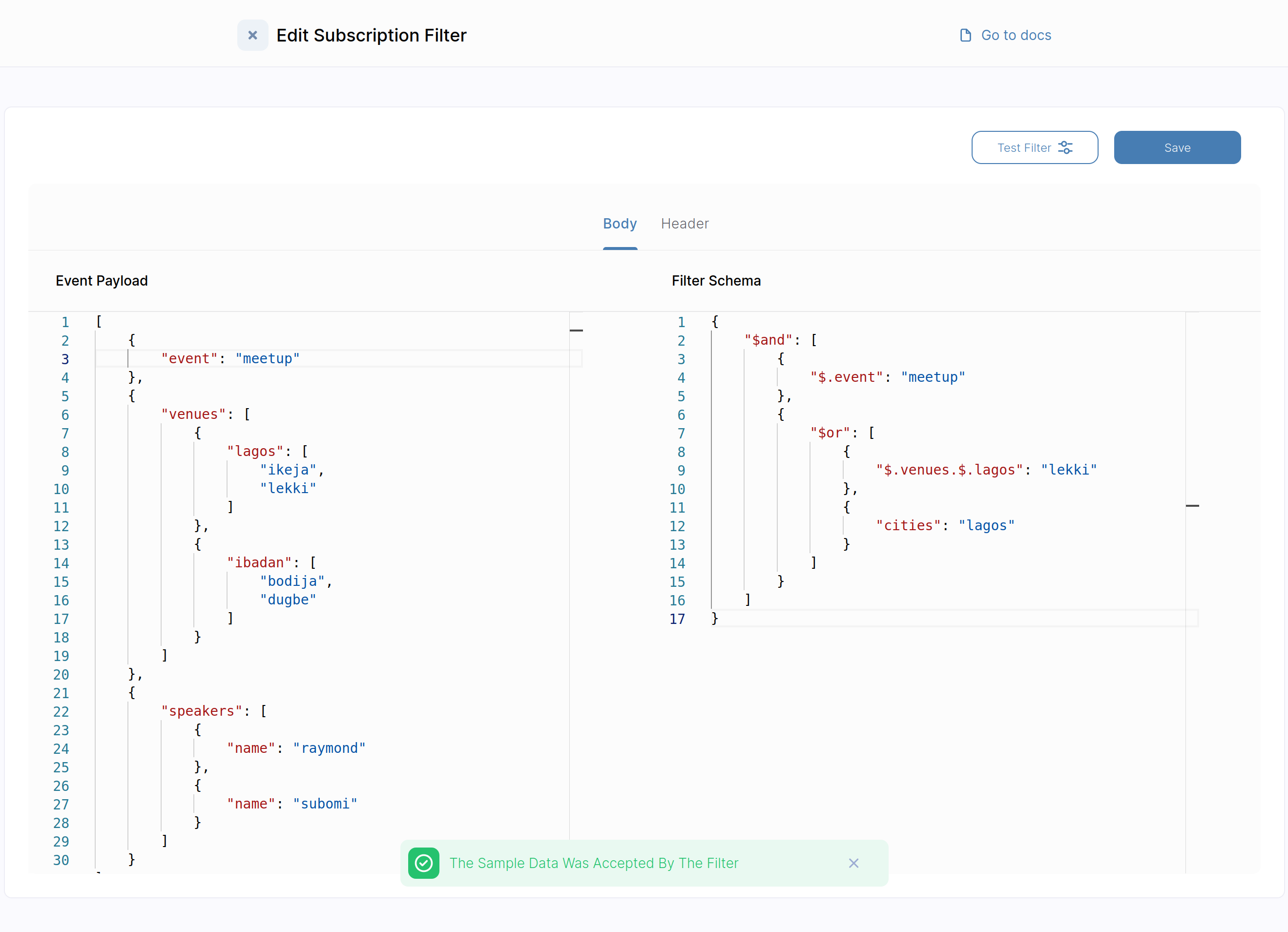
Array positional filters (currently in beta)
These filters match events with payloads that are array either in the root or nested.Array positional filters
Regex filters
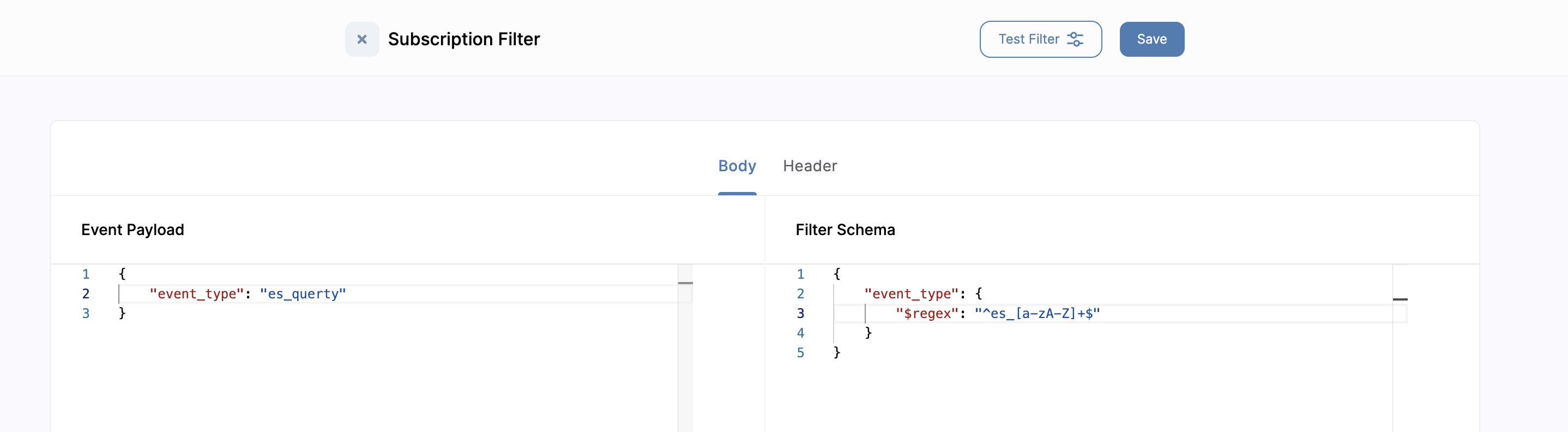
These filters match events with payloads that match the supplied regex.Regex filters
Caveats
- Convoy only supports filters with arrays nested up to three levels i.e.
$.a.$.b.$.c.$.ewill throw an error - Array positional filters are in beta and have time complexity of
O(n^3)