

Organisations
An organisation is the highest level namespace within a Convoy instance. It comprises several projects. Ideally, this should map to a real-world organisation or some form of high-level grouping. As a new user, an organization can be created by clicking on the Create Organisation on the dashboard: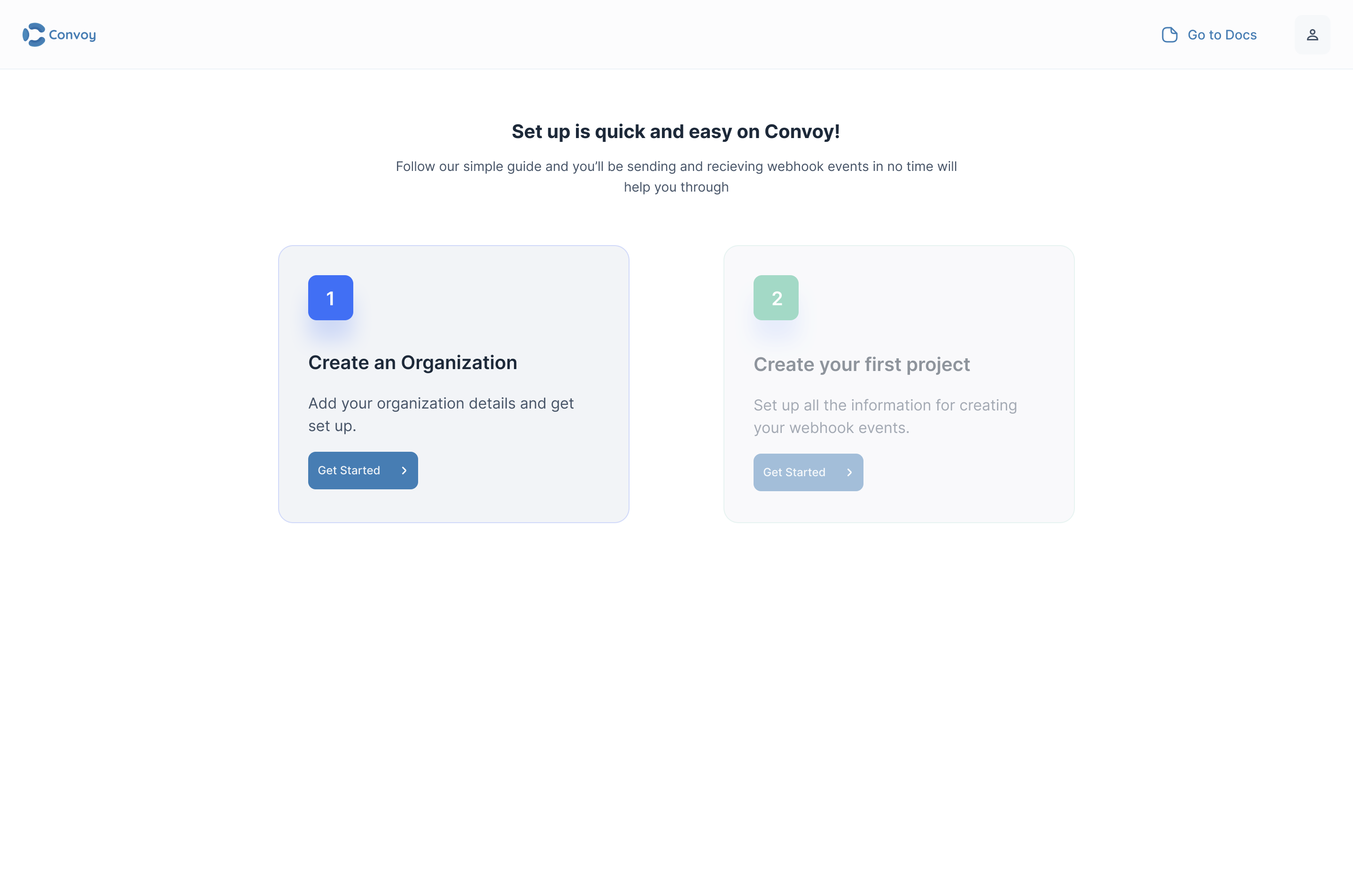
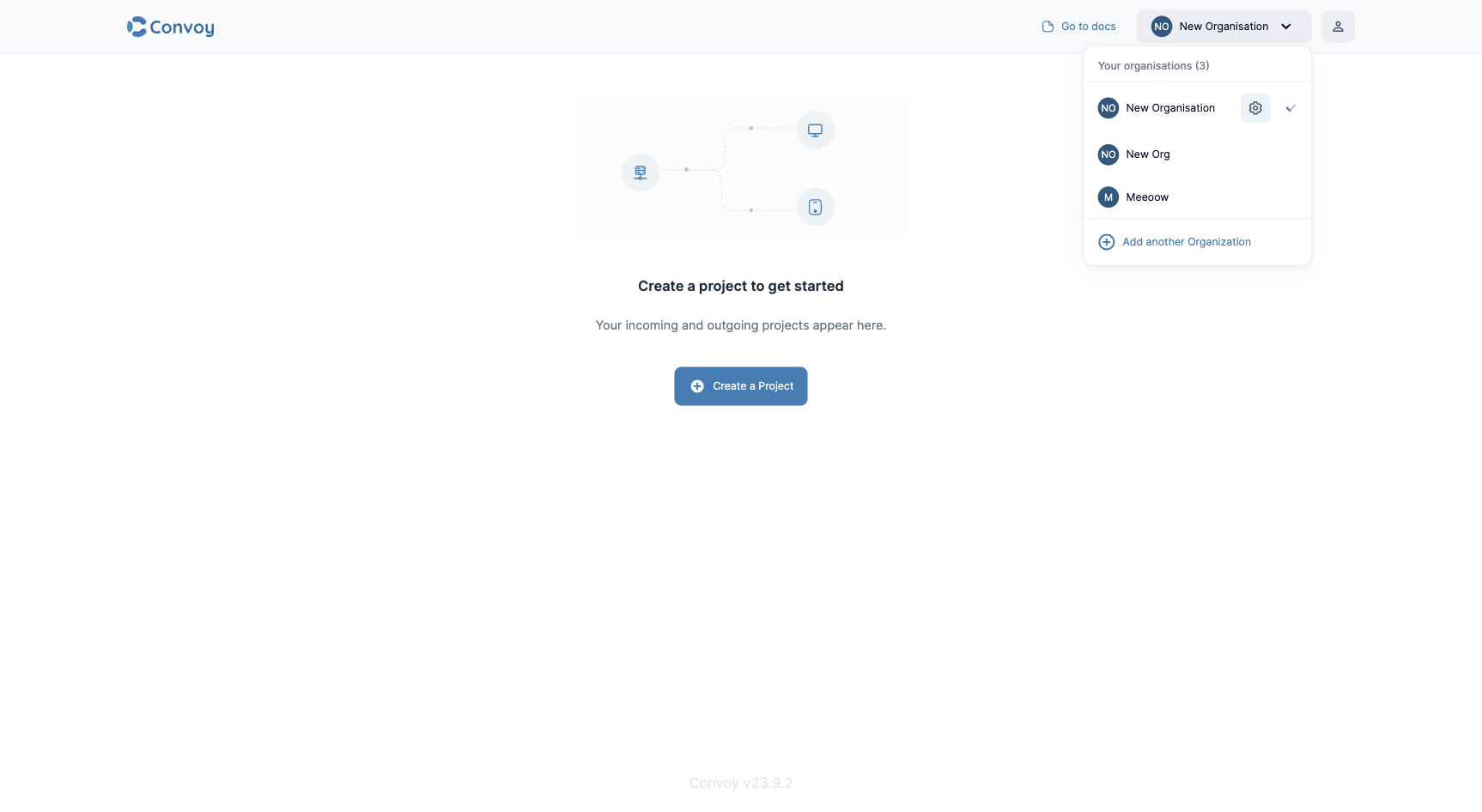
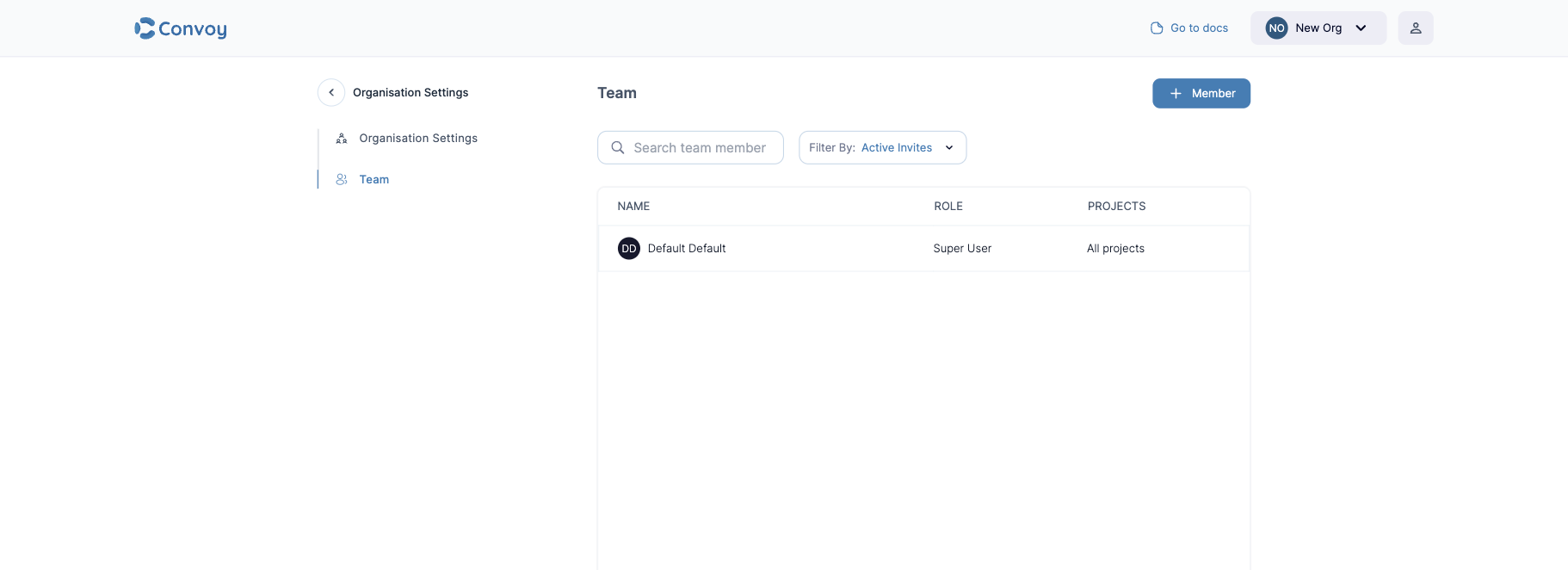
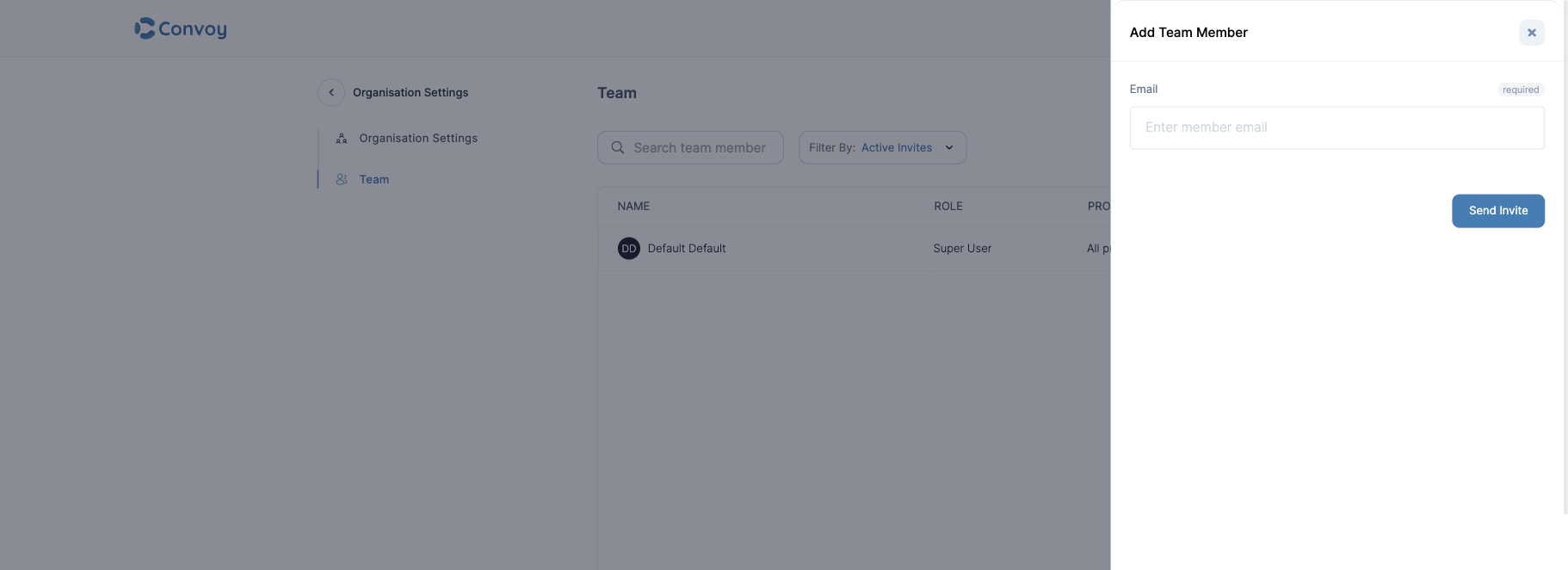
Adding new members
In the Community Edition, all users are super users, so all users can invite other team members.Before doing this, ensure you have your SMTP configuration set up.
Projects
A project is a hierarchical namespace for all core resources within Convoy. All events, endpoints, subscriptions and all other critical configurations belong to a project and a project belongs to an organisation. There are two types of projects; Incoming and Outgoing projects.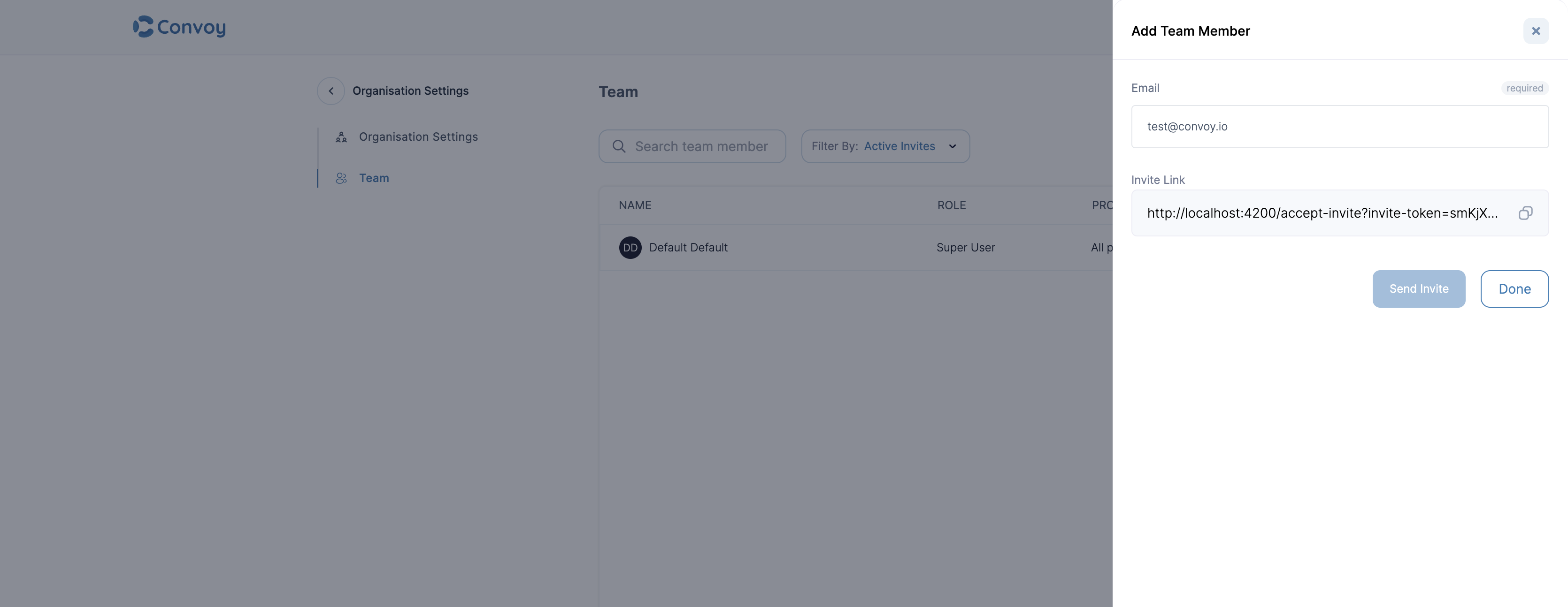
Incoming project
An incoming project is designed to receive webhooks from third-party party sources like Github, Twilio, Stripe etc. and even custom sources based on any form of verification. It was designed for API consumers.Outgoing project
An outgoing project is designed to publish webhooks to users’ endpoints. It is designed for API providers.Configure a Project
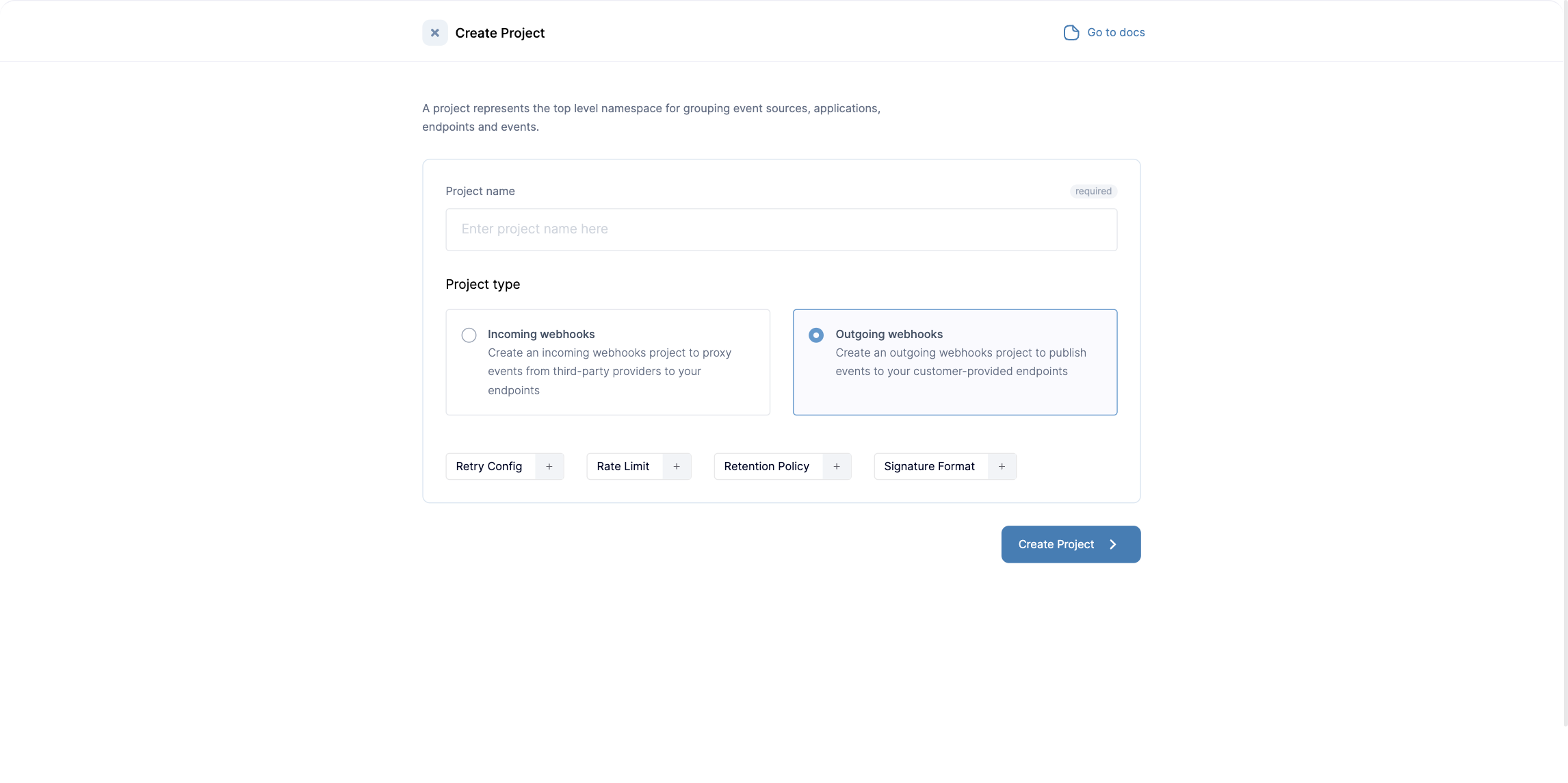
When creating or updating a project via the API, these UI labels map to JSON fields under
config:
See Create a project and Update a project.
Request ID header
When an event carries an idempotency key, Convoy sends that key on each webhook delivered for it, so your receivers can deduplicate. It uses theX-Convoy-Idempotency-Key header by default.
Set config.request_id_header to send the key under a header name of your choosing instead.
Events published without an idempotency key are delivered without this header.
Two rules apply:
- Outgoing projects only. Setting a custom value on an incoming project is rejected with
request_id_header can only be customized on outgoing projects. - The idempotency key becomes required. Once a project uses a custom header, every event you publish must include an
idempotency_key, since that is the value the header carries. Publishing without one is rejected with400, on the create, broadcast, fan-out, and dynamic event endpoints alike.
Verify dynamic events before accepting
config.verify_dynamic_events makes the dynamic events endpoint
wait for Convoy to resolve the endpoint and subscription before it responds, instead of returning 201 right away.
See verifying dynamic events before accepting them for the response codes.
Allow unmatched dynamic event URLs
Once a project has at least one endpoint URL template, a dynamic event whose URL matches none of those templates is rejected, so a typo cannot quietly create a new endpoint that bypasses the templates you configured. Setconfig.allow_unmatched_dynamic_urls to true when the same project also receives events for plain, non-templated
URLs. Convoy then creates an endpoint for those URLs as it did before you added any template, letting both kinds of
partner coexist in one project.
A URL that matches more than one template is still rejected either way, since Convoy cannot tell which endpoint you
meant and creating a third one would hide the overlap.
Relationship with subscription
All these configurations act as sensible defaults for all subscriptions in a project. A project can’t exist without all these parameters defined in the project. Each configuration can also be described on subscriptions in a project, where a subscription doesn’t define these parameters, we fall back to the project’s defaults.Multiple Projects & Multi-Tenancy
There are several practical ways of using projects. Convoy’s official recommendation for handling multi-tenant architectures is as follows:- A project per environment: We strongly recommend maintaining projects per environment (e.g., Staging vs. Production) rather than per customer. Projects can be created via the API with a personal API key (
POST /api/v1/projects?orgID=...); see Create a project and API-driven onboarding. Every entity inside a project (sources, endpoints, subscriptions) can also be fully managed via the API. - Single Project for Multi-Tenancy: Since projects are per environment, the best practice for handling your actual tenants (customers) within that environment is to use a Single Project with Fan-out or Broadcast event structures. By providing the tenant’s
owner_idwhen ingesting an event, Convoy routes it automatically to all endpoints registered for that specific tenant. - Community Limitations: The Community edition is strictly limited to 1 organization and 2 projects. For true multi-tenant management without limits, the Enterprise/Premium version is required.